
MRR DASHBOARD
Your MRR dashboard.
Right on your desktop.
Keep MRR, subscriptions, and revenue in your notch. Connect your billing tools and see the numbers you care about while you work.
One-time purchase. Your business data stays on your computer.
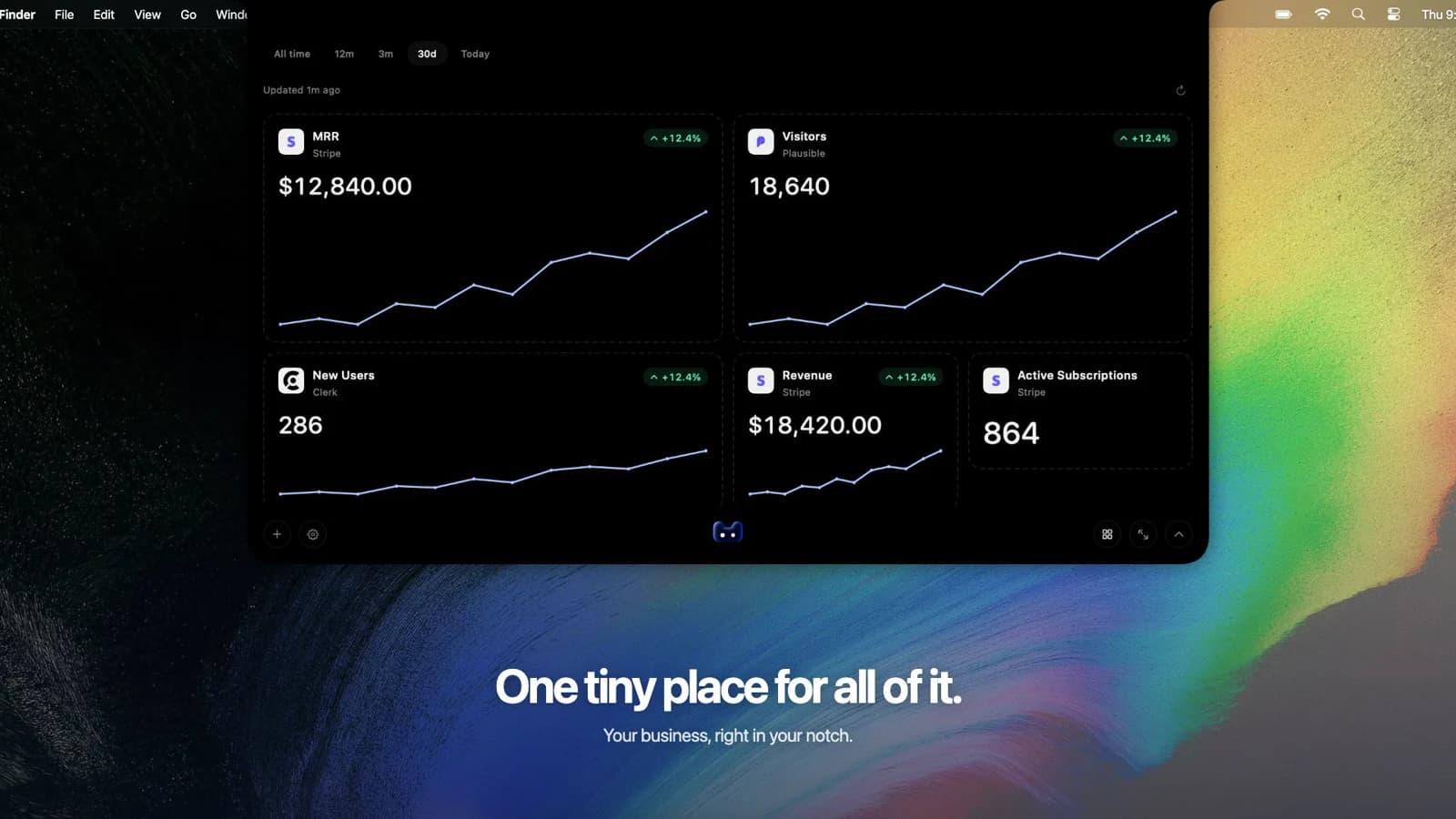
YOUR DAILY CHECK-IN
Your MRR.
And the numbers around it.
Build a view of your subscription business with the cards you actually need. Move them, resize them, and keep your most important metric up front.
Monthly recurring revenue
Keep the monthly value of your recurring subscriptions in view.
Active subscriptions
See your current subscription count alongside recurring revenue.
New subscriptions
Check subscription starts in your selected reporting period.
Revenue & refunds
Follow payments and refunds alongside your subscription metrics.
Available metrics, calculation rules, and historical data depend on your integration.
A GLANCE IS ENOUGH
Keep your numbers close.
Keep your focus.
Leave your key metrics in the compact notch while you work. Open the expanded dashboard when you want a closer look.
Running more than one business? Each project keeps its own connections, cards, and layout.
See the desktop workflow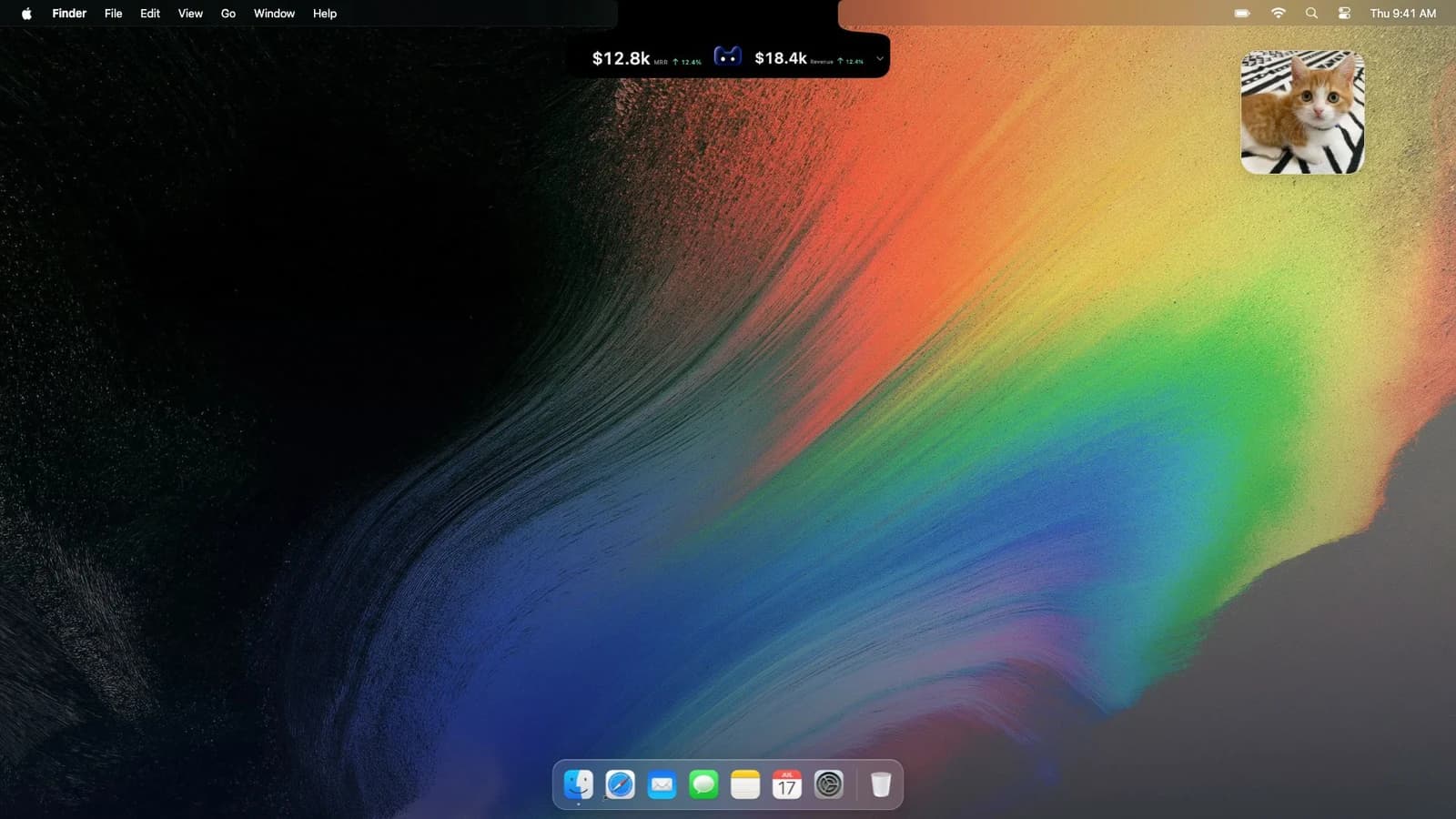
CONNECT YOUR BILLING TOOLS
Your revenue sources.
One place to check.
Connect a supported account inside the app, then choose which metrics to add to your project.

Stripe
MRR · Revenue · Subscriptions
Churn rate available
Polar
MRR · Revenue · Subscriptions
Churn rate available
Paddle
MRR · Revenue · Subscriptions
Churn rate available
Lemon Squeezy
MRR · Revenue · Subscriptions
Current MRR snapshotNeed traffic alongside revenue? Explore all integrations
Install and create a project
Download the app, activate your license, and create a project for the business you want to track.
Connect your revenue source
Add your supported billing account using the connection details requested in the app.
Choose your cards
Add MRR and the subscription metrics you care about. Arrange your dashboard, check the first sync, and keep your numbers in view.
SEE HOW IT FITS YOUR DAY
A little closer to your business.
Big picture.
Small price.
A calmer way to keep up with your business.
Pay once. No subscription.
USD · One-time purchase
Secure checkout · App download + license · One Mac
Already purchased? Get your app & license ↗GOOD TO KNOW
Before you connect.
What does an MRR dashboard show?
An MRR dashboard brings monthly recurring revenue and related subscription metrics into one view. In the desktop app, you choose the cards for each project: MRR, active subscriptions, new subscriptions, revenue, and other metrics supported by your connected source.
Can I see historical MRR?
History depends on the integration. Some connections build trends from recorded subscription history or from the first verified sync. Others provide a current MRR snapshot only. The app keeps unavailable history unavailable rather than treating missing values as zero.
How often does the dashboard update?
Metrics refresh automatically about every five minutes while the app is running. Previously saved values remain visible if a refresh fails, so check the refresh status when reviewing your numbers.
Can I track more than one project?
Yes. Each project has its own connections and dashboard cards. Switch projects to see the relevant business, and arrange each dashboard around the numbers you check most.
Where are my credentials and metrics stored?
Your credentials and saved metrics stay on your computer. The desktop app connects directly to your providers to retrieve your business data.
Is MRR the same as revenue collected this month?
MRR is the monthly equivalent of recurring subscription value. Revenue collected in a period can include annual payments and one-time purchases. Keep both cards visible when you want to monitor subscriptions and payments together. Metric definitions depend on the connected provider.